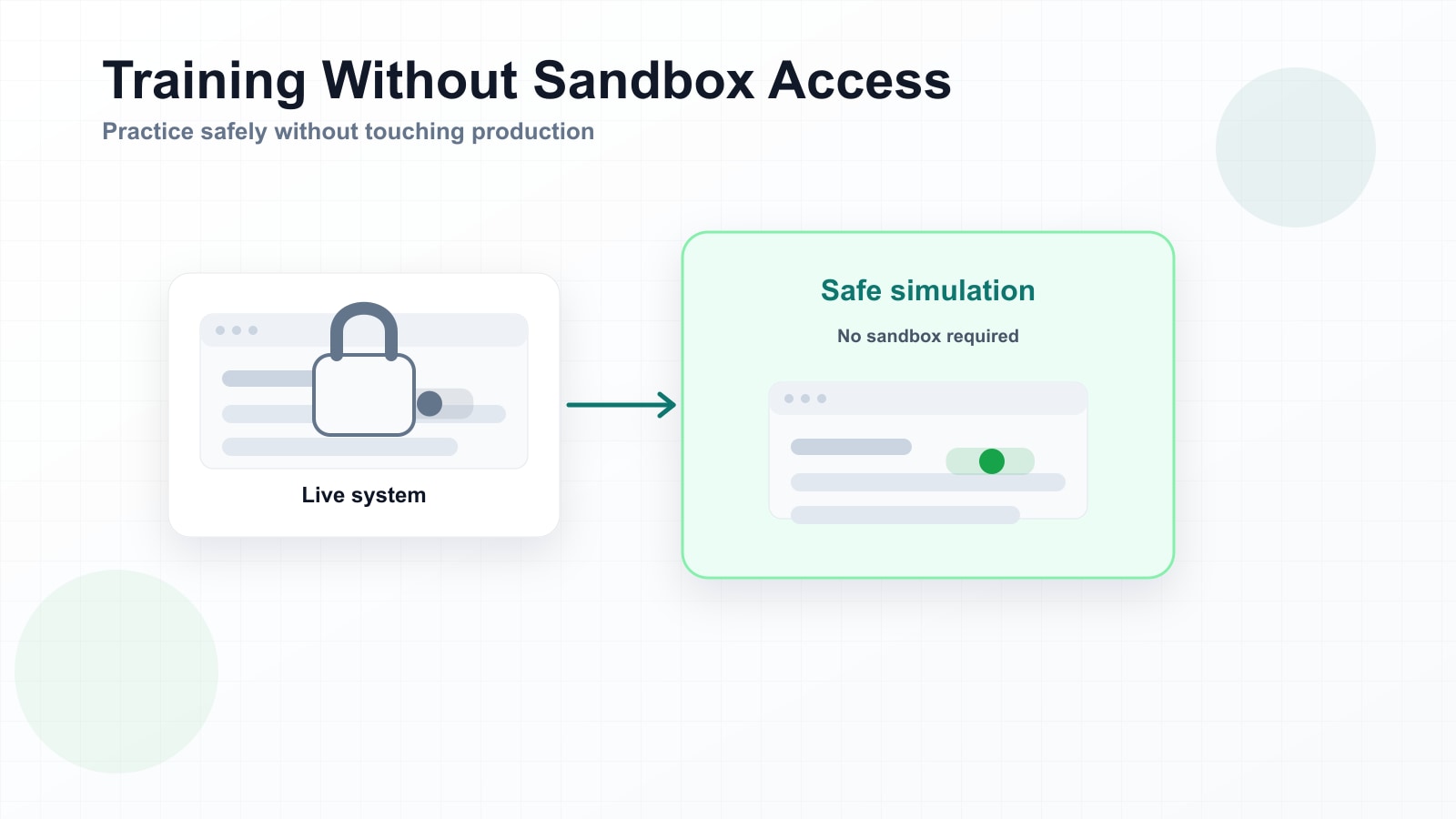
In an ideal training scenario, employees would have access to a sandbox — a safe copy of the production system where they can practice new workflows without any risk of affecting real data. They could click the wrong button, enter test records, make mistakes, and learn from them. No consequences, no cleanup required.
That ideal rarely matches reality. For many organisations, especially those running core enterprise systems like SAP, Salesforce, Oracle, or Dynamics, sandbox access for training purposes is either heavily restricted or simply not available to most employees.
Why sandbox access is often off the table
There are legitimate reasons organisations don't hand out sandbox credentials to everyone who needs training:
- Licensing costs. Many enterprise systems charge per user, even for sandbox environments. Provisioning thousands of training accounts can add significant cost to an already expensive implementation.
- Data sensitivity. Sandboxes are often refreshed from production data, which means they may contain real customer records, financial information, or personally identifiable data. Giving broad access creates compliance and privacy risks.
- IT overhead. Managing sandbox environments — user provisioning, access control, data refreshes, environment stability — requires ongoing IT support that many teams don't have capacity for during a rollout.
- Environment stability. Sandboxes used for development or testing may not be suitable for training. They might be unstable, out of sync with production, or configured differently in ways that confuse learners.
None of these are unreasonable. They're the practical constraints that IT and compliance teams face. The problem is that training still needs to happen, and without a practice environment, the options get worse.
When there's no sandbox, the production system becomes the practice environment — whether you intended it to or not.
What happens when people can't practice
If employees can't practice a new workflow before go-live, their first real attempt happens in production, with real data, under real time pressure. That's not a training scenario — it's an operational risk.
The consequences show up in predictable ways:
- Increased errors. Data entry mistakes, missed steps, incorrect approvals. These create downstream cleanup work and, in some cases, compliance issues.
- Helpdesk overload. Without hands-on practice, employees rely more heavily on support during the first weeks after go-live. Ticket volumes spike.
- Slower adoption. Uncertainty leads to workarounds. People avoid the new system when they can, or do the minimum required while finding informal ways to do things the old way.
- Reputational cost. If a customer-facing process goes wrong because an employee didn't know how to use the new system correctly, the impact extends beyond internal metrics.
The watch-only fallback
When sandbox access isn't available, most training defaults to passive content: recorded walkthroughs, slide decks, PDF guides. Employees watch someone else complete the workflow, then try to recall those steps when they're on their own.
This approach checks the box — training was delivered — but it doesn't build capability. Watching is not practicing. Recognition is not recall. And seeing someone else click the right button doesn't mean you'll find it when it's your turn.
The gap between "I watched a video" and "I can do this task" is where training often fails, and it's exactly the gap that a practice environment is supposed to close.
A different kind of practice environment
There's another option: practice environments that don't require access to the real system at all.
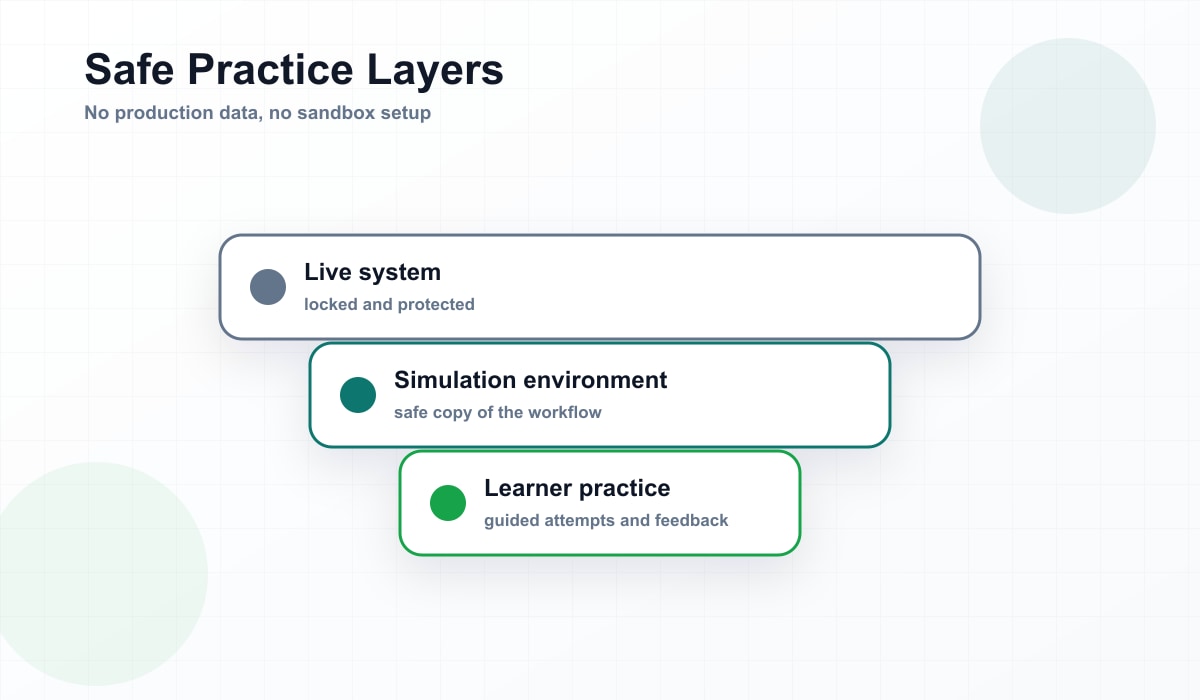
An interactive simulation built from screen recordings provides the same hands-on practice experience — learners click through the workflow, make decisions, see what happens — without connecting to any live system or database. The practice happens entirely within the simulation. There's no data risk because there's no real data. There's no access to provision because the simulation runs independently.
This isn't a perfect substitute for a full sandbox. It doesn't let learners explore freely or handle edge cases the simulation wasn't built for. But for the core workflows that most employees need to learn — the 80% of tasks that follow a standard path — it closes the gap between watching and doing without requiring IT to spin up training environments.
What this looks like in practice
A process expert records the workflow once in the live system. That recording becomes the basis for a simulation that learners can practice on. The simulation looks like the real system because it's built from screenshots of the real system. Learners click through the steps, get feedback when they go wrong, and repeat until they've got it.
When they eventually do access the production system, it's not their first time seeing those screens or making those clicks. They've already practiced — just not in an environment that could break anything.
Not a replacement for sandbox — a fallback when there isn't one
Organisations that can provide full sandbox access for training should do so. A sandbox offers flexibility, exploration, and realism that a simulation can't fully match.
But for the many organisations where sandbox access isn't realistic — because of cost, compliance, capacity, or timing — simulation-based practice is a meaningful alternative. It fills a gap that would otherwise be filled by hope: the hope that watching a video will be enough.
For most software training, it isn't.
Practice without touching production
Give employees a safe place to get it wrong before they do it for real.
Try It Free