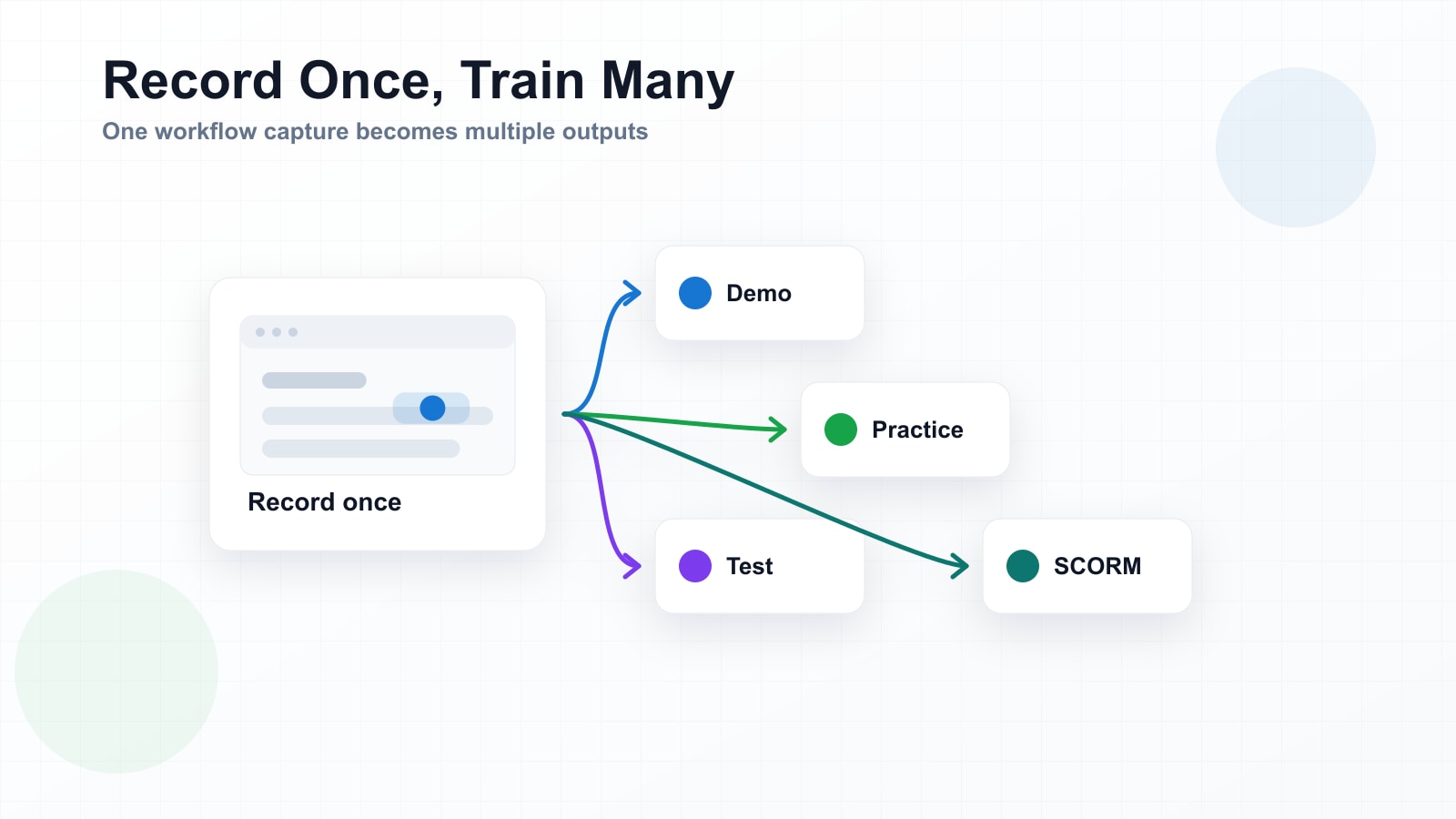
Screen recording has become remarkably easy. Anyone can capture what they're doing on screen, and a growing category of tools will automatically polish that capture — smooth zooms, automatic annotations, cropped transitions, even AI-generated narration. The friction of creating documentation from a workflow has dropped close to zero.
What hasn't dropped is the gap between documentation and training. A polished recording is still something a learner watches. Watching is passive. And passive content, no matter how well-produced, does not reliably produce someone who can perform the task themselves.
Two things the market has solved, and one it hasn't
If you look at the current landscape of screen recording and documentation tools, most of them do one of two things very well:
- Make recordings look better. Automatic zoom to the cursor, smooth transitions between steps, branded overlays, AI voiceover. The production quality of a quick capture can now rival a professionally edited video.
- Extract searchable knowledge. Turn recordings or meeting captures into transcripts, summaries, and searchable knowledge bases. Good for reference, good for onboarding context, good for reducing repeated questions.
Both of these are real improvements. But neither of them addresses the core gap in software training: the step where a passive recording becomes something a learner can actively practice on.
Making a recording look better doesn't make the learner more capable. It just makes the watching experience nicer.
Why this gap exists
Historically, turning a screen recording into an interactive simulation required a completely different toolset and skillset. You would capture the screens, then import them into a heavyweight authoring tool, then manually define hotspots, click targets, branching logic, and scoring rules. This was specialised work — the domain of instructional designers with weeks of lead time and five-figure software licenses.
The result was a hard split in the market. On one side: fast, easy documentation tools that anyone could use but that produced passive content. On the other: slow, complex simulation builders that produced interactive content but required specialists to operate.
Most teams chose the fast path, because the slow path wasn't realistic for their timeline or budget. The interactive simulation became a luxury reserved for high-stakes, compliance-critical training — not the everyday software rollouts that affect far more people.
What "record once, train many" actually means
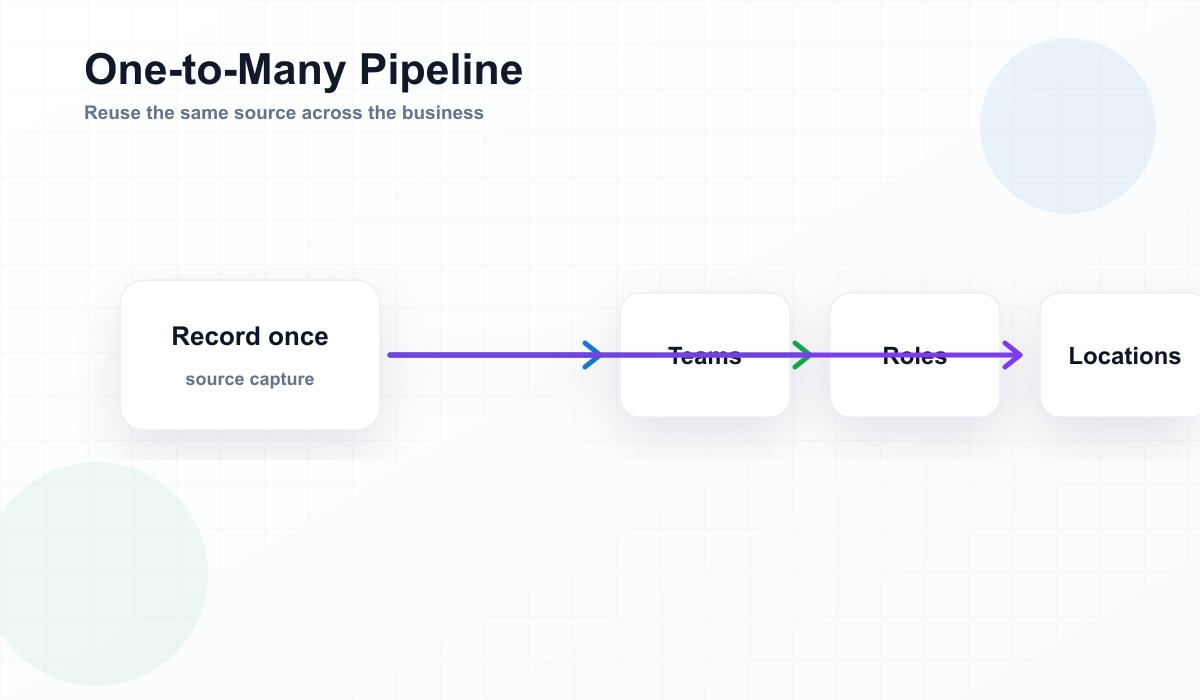
The phrase captures a simple idea: the same recording that a process expert makes once should be usable in multiple training modes without rebuilding anything.
- Demo mode: The learner watches the workflow play out, step by step, with guidance. This is what most recordings already provide.
- Practice mode: The learner attempts the workflow themselves, with hints available if they get stuck. The recording becomes the scaffolding for an interactive exercise.
- Test mode: The learner completes the workflow unaided, and completion is tracked. Now you have proof of proficiency, not just proof of attendance.
All three modes draw from the same source capture. The process expert doesn't need to build three separate assets or hand anything off to a specialist. They record the workflow once. The system generates the interactive layers.
Why this matters for the person who knows the process
In most organisations, the person who understands a workflow best is not an instructional designer. It's the team lead, the process owner, the SME who's been doing the work for years. These are the people who get pulled into training projects, asked to "just record a quick walkthrough" that somehow ends up being the entire training asset.
That recording is valuable. It captures the right way to do the task, in the right system, with the right context. But it stops short of what training actually needs to accomplish. The SME records, the learner watches, and then the learner is expected to figure out the rest on their own screen.
If that same recording could automatically become something the learner practices on — without the SME needing to learn a new tool or hand it off to a specialist — the training output improves without adding to the SME's workload.
The maintenance advantage
There's another benefit to generating all three modes from the same source: when the software changes, you only update one thing.
A button moves. A menu label changes. A new field appears in a form. In a traditional setup, you might need to re-record the video, re-edit the annotations, and re-build the simulation separately. In a record-once model, you update the recording, and the Demo, Practice, and Test modes all reflect the change together.
This is not a small thing. Software training has a maintenance problem that most teams underestimate until they're living it. The easier it is to keep training current, the more likely it actually gets done.
From watching to doing
The goal of software training is not to produce someone who has seen the workflow. It's to produce someone who can perform the workflow. That requires a shift from passive to active — from watching to doing.
Screen recordings have made the watching part easier than ever. The next step is making the doing part just as easy to produce, without requiring a specialist build for every workflow.
See a real screen recording become Demo, Practice, and Test
Upload a recording, get an interactive module — try it on a real module first.
Try It Free