Over the last few years, a whole category of tools has made it fast and easy to turn a screen recording into a step-by-step guide — screenshots, annotations, a written walkthrough generated automatically while someone works. It's a genuine improvement over manually writing documentation, and for a lot of use cases, it's exactly the right tool.
But there's a gap between "documentation that explains a process" and "training that produces someone who can actually do the process," and that gap doesn't close just because the documentation got faster to produce. A beautifully annotated guide is still something a learner reads. Reading and doing are different skills, and workplace software training almost always needs the second one.
The three things a learner actually needs, in order
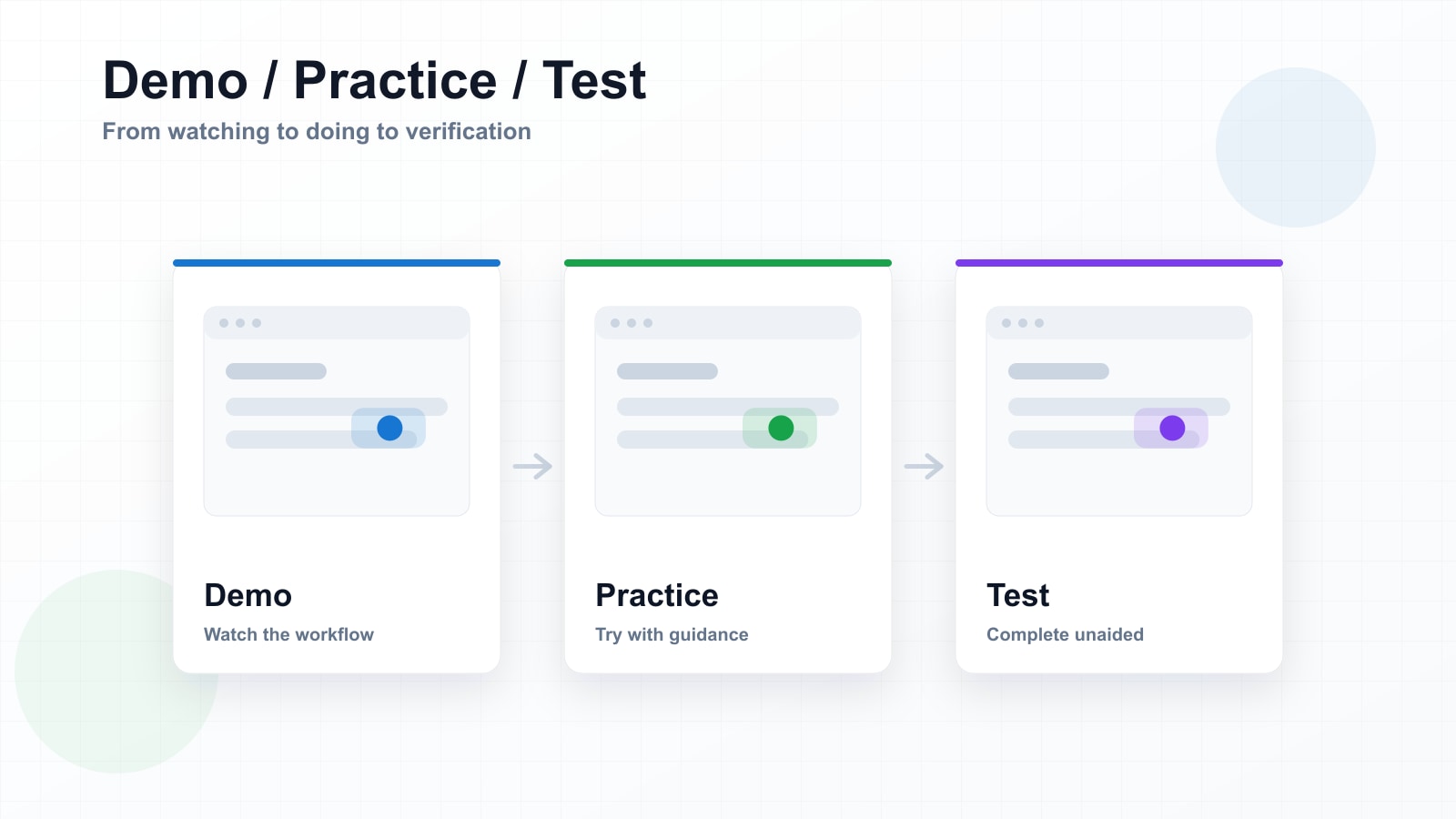
Most software training, done well, asks a learner to move through three distinct stages — and most tools only build for the first one.
Demo
Watch the workflow happen, with each step highlighted and explained. This is where documentation and screen-recording tools stop.
Practice
Attempt the same workflow with light guidance — a hint if you get stuck, but no one clicking for you. This is where transfer starts.
Test
Complete the workflow unaided, scored on completion. This is where you find out whether the training actually worked.
Documentation tools — the screenshot-and-caption generators, the auto-narrated video walkthroughs — are very good at the first stage. They're often excellent at it: fast to produce, easy to share, low effort for the person capturing the process. What they don't do, because it isn't what they're built for, is give the learner a second and third pass where the training pushes back a little instead of narrating everything for them.
A guide tells someone what to click. A simulation waits to see if they click it.
Why the gap matters more in regulated and compliance-heavy training
For a lot of internal documentation — how to file an expense report, where the shared drive lives — Demo-only content is genuinely fine. Nobody needs to be tested on filing an expense report.
But a meaningful share of software training exists precisely because someone needs proof the learner can do the task, not just that they were shown it. Opportunity workflows in a CRM. Compliance-critical steps in a case management system. Any process where a mistake has a downstream cost. In those situations, "we sent everyone a walkthrough video" and "we can show everyone completed the task correctly" are very different claims to be able to make — to an auditor, to a regulator, to your own leadership when someone asks whether the rollout actually worked.
Why this used to require trade-offs
The reason most teams stop at Demo-only content isn't that they don't see the value of Practice and Test. It's that building all three has traditionally meant a much bigger production job — hand-building branching logic, hotspots, and scoring in a heavyweight authoring tool, usually by someone with specialised instructional design skills that most rollout teams don't have on staff.
That trade-off is what made "just record a video" the default, even when a video wasn't really what the situation called for. Speed won, because the alternative was slow.
What changes when Demo, Practice, and Test come from the same recording
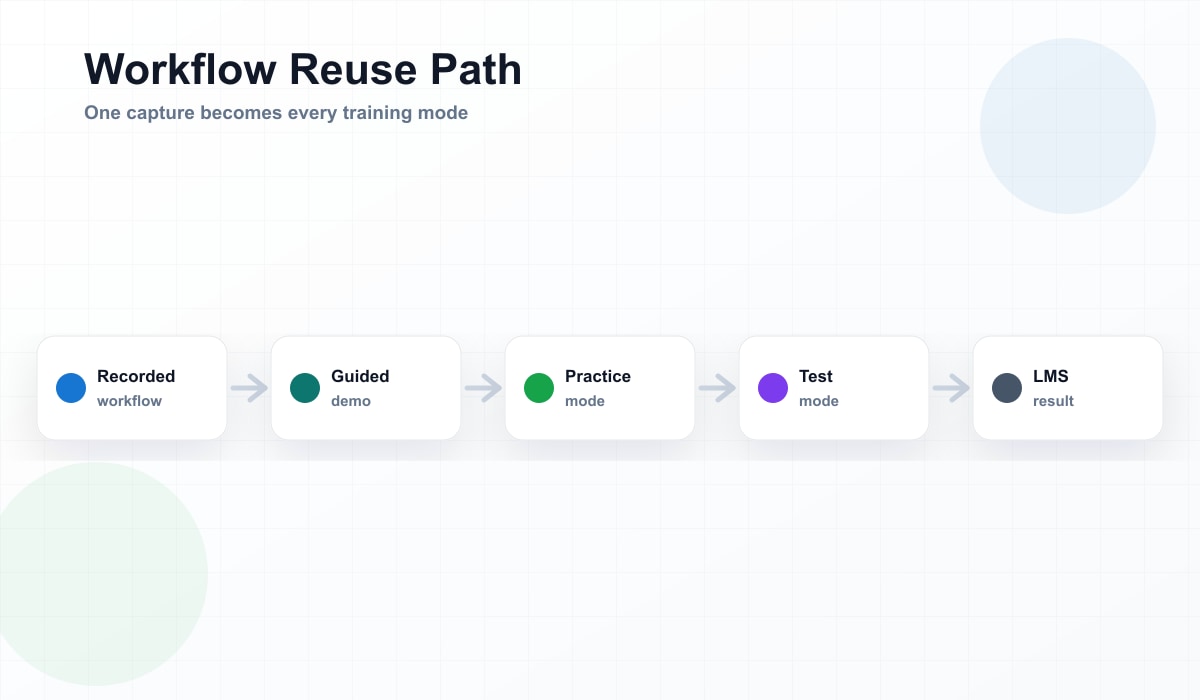
The more useful model isn't choosing between fast documentation and slow, heavyweight simulation-building. It's generating all three modes from the same input a process expert already knows how to produce — a screen recording, a set of screenshots — without a separate, specialised build for each mode.
That means the person who understands the workflow best doesn't need to hand it off to build something interactive. They record it once. The Demo, the Practice attempt, and the scored Test all come from that same capture, kept in sync with each other because they were never three separate projects to begin with.
See Demo, Practice, and Test in the same module
Built from a screen recording, not a specialised authoring project. Try a real module and switch between all three modes yourself.
Try It Free